
Building a free website in 2026 is much easier than it used to be. You no longer need to learn complicated coding, rent expensive hosting or hire a developer just to put a basic website online. Today, you can choose from free website builders, free hosting platforms, ready-made templates and even AI-powered tools that can create a starting point for your website in minutes. Whether you need a personal portfolio, landing page, small business website, online resume, event page or a place to showcase your work, there are several ways to get started without spending money.
The important thing is understanding what “free” actually means. Some platforms give you a website at no cost but use a platform-owned subdomain. Others add their branding or advertisements to your pages. Some services provide genuinely free hosting for static websites but require more technical knowledge. A few platforms are excellent for testing an idea but become restrictive when you need a custom domain, advanced SEO, ecommerce, additional storage or more control. In this guide, we will walk through how to make a free website in 2026, which free website builders are worth considering, where you can host a website for free, how to choose a template, how to create your pages, and what you should do before publishing.
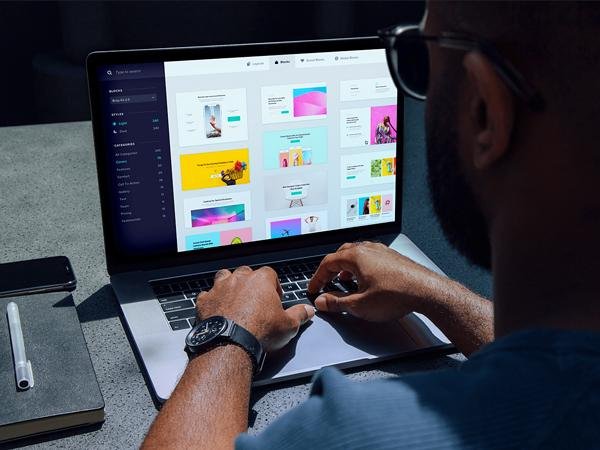
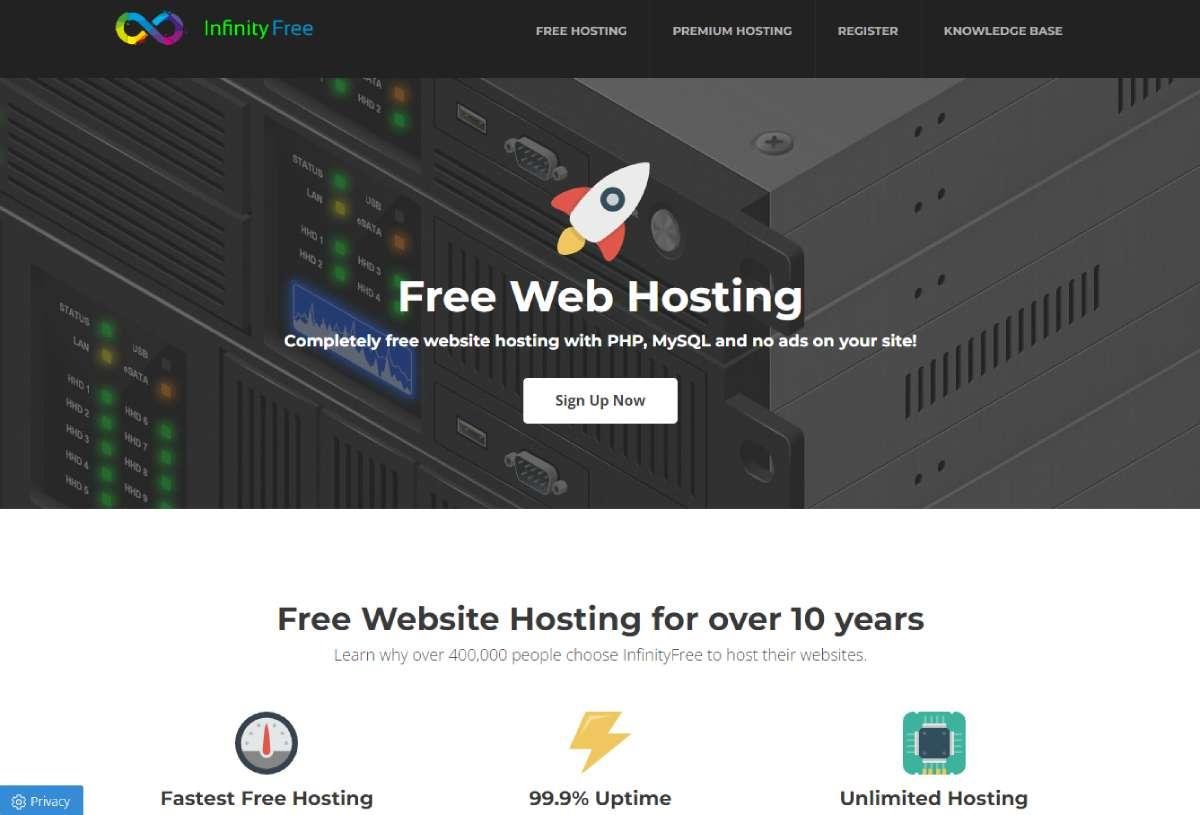
Before you start building, it helps to understand the basic parts of a website. You need three main things: a website platform or builder, somewhere for the website files to live, and a web address that people can use to find you.
A website builder is the tool you use to create the actual pages. Platforms such as Wix, Google Sites, WordPress.com, Carrd and other visual builders allow beginners to create pages without writing everything from scratch. Google Sites, for example, allows you to choose a template, add content and publish the site directly from its editor.
Hosting is the service that makes your website files available on the internet. With traditional websites, hosting and the website builder may be separate services. With hosted builders, they are normally combined, which makes the process much easier for beginners. There are also developer-focused services such as Cloudflare Pages, Netlify and Vercel that offer free tiers for deploying websites, although these are better suited to people who are comfortable working with website files or code. Cloudflare Pages, for example, supports connecting a Git provider or uploading pre-built assets, while its free plan includes hosting for static assets.
Finally, there is your domain name. A domain is the address people type into their browser, such as yourbusiness.com. A completely free website will often use a platform subdomain instead, such as a builder’s branded web address. That can be perfectly fine for learning, experimenting or creating a temporary project, but a custom domain usually looks more professional for a business.
There is no single best free website builder for everyone. The right choice depends on what you are trying to build.
Wix is one of the easiest options for beginners who want a visual drag-and-drop website builder. You can start with a template, edit text and images, change sections and build pages without needing to understand HTML or CSS.
Wix also offers AI-assisted website creation, which can help generate a starting point based on information about your project. Its free option is useful for experimenting with a website, building a personal project or creating a basic portfolio. However, free websites have limitations, including platform branding and a Wix subdomain. Wix’s own 2026 comparison confirms that its free offering includes a visual editor and templates, while premium features are available through paid plans.
Best for: Beginners, portfolios, simple business concepts and visual websites.
Main limitation: A free Wix website does not give you the same professional setup as a custom-domain website.
If your priority is simplicity, Google Sites is one of the easiest ways to make a free website.
You can open Google Sites, choose a template, add your text and images, create additional pages and publish the site. Google also makes it easy to embed content such as YouTube videos, Google Forms, Maps, Docs, Sheets and other content.
This makes Google Sites particularly useful for internal company pages, school projects, event information, simple portfolios, documentation and basic informational websites.
Best for: Simple informational websites and beginners.
Main limitation: You have significantly less design flexibility than you would get from a professional website builder or WordPress setup.
WordPress.com is another popular choice if your goal is to publish articles, guides or other content regularly.
The biggest advantage is its content-management approach. Instead of treating your website as a single landing page, WordPress is designed around publishing and managing content over time. This makes it a strong option for blogs, personal websites and content-heavy projects.
The free version comes with limitations, particularly around domains, branding and advanced functionality. If your main goal is blogging, however, it can be a useful place to start before investing in a custom domain and more advanced features.
Best for: Blogs, writers, publishers and content websites.
Main limitation: Advanced customization and professional features generally require an upgrade.
If you do not need a large website, Carrd is worth considering.
Carrd focuses on simple, responsive one-page websites. Instead of building a complicated five- or ten-page website, you can create one polished page containing your introduction, services, portfolio, contact details and calls to action.
It is particularly useful for freelancers, designers, creators, temporary campaigns, landing pages and personal profiles. Wix’s current 2026 builder comparison also describes Carrd as a suitable option for simple one-page websites and landing pages.
Best for: Landing pages, portfolios and one-page websites.
Main limitation: It is not designed to replace a full content-heavy website.
If you know some HTML, CSS or JavaScript, you can take a different route.
Cloudflare Pages allows you to deploy website files to Cloudflare’s global network. You can connect a Git repository or upload pre-built assets, making it useful for static websites and developer-built projects. Cloudflare currently states that static asset requests are free and unlimited on its plans, while the free plan has specific limits for builds, files and Functions.
Best for: Developers, static websites, portfolios and custom-coded projects.
Main limitation: It is not as beginner-friendly as a drag-and-drop website builder.
Netlify is another popular option for hosting websites built with HTML, CSS, JavaScript and modern frameworks.
Its current free plan is based on a monthly credit system. Netlify’s documentation lists a $0/month Free plan and provides deployment, CDN, custom-domain and SSL functionality, subject to the plan’s usage limits.
For a simple static website, you can also use Netlify Drop to upload a project folder and publish it. Netlify’s documentation specifically supports drag-and-drop deployment for suitable website projects.
Best for: Developers, static sites and projects built from website files.
Main limitation: It has a steeper learning curve than beginner-focused builders.
Vercel is especially popular for modern web development and frameworks such as Next.js. Its Hobby plan is free and intended for personal projects and small-scale applications.
For someone who simply wants a five-page business website without touching code, Vercel is probably unnecessary. For developers building modern applications, however, it can be an excellent free starting point.
Best for: Developers, modern web applications and technical projects.
Main limitation: It is not the simplest option for someone who has never worked with website files.
One of the biggest mistakes beginners make is treating a website builder and hosting service as exactly the same thing.
A website builder gives you tools for creating your pages. Free hosting gives your website somewhere to live online. Some services combine both, while others only provide the hosting side.
For example, if you use Google Sites, you do not need to separately configure traditional hosting. You create the site inside Google’s platform and publish it.
If you create a simple HTML website yourself, you could instead upload those files to a service such as Cloudflare Pages, Netlify or Vercel.
This distinction becomes important when you want more control. A visual builder is easier for beginners, while developer-oriented hosting gives you greater control over the actual files and technology behind the website.
Do not start by choosing a template.
Start by deciding what the website needs to accomplish.
Are you creating a portfolio?
A small business website?
A personal website?
A landing page?
A blog?
An event website?
A service website?
Your answer will determine which platform makes the most sense.
A freelancer who only needs to showcase six projects does not need the same technology as a company planning to publish hundreds of blog posts.
For complete beginners, start with a visual builder such as Wix or Google Sites.
For blogging, consider WordPress.com.
For a simple one-page website, consider Carrd.
For a coded website, consider Cloudflare Pages, Netlify or Vercel.
Do not choose a platform simply because somebody says it is the “best.” Choose the platform that matches the type of website you actually need.
Once you have selected your platform, choose a template that is structurally close to what you want.
Do not worry too much about the colors, photographs or placeholder text.
Look at the layout.
Does it have a strong hero section?
Is there enough space for your services?
Can you showcase your work?
Is the navigation simple?
Does the layout work on mobile?
Changing colors is easy. Rebuilding a bad layout takes much more time.
A simple website does not need twenty pages.
For most small businesses, start with:
If you are creating a blog, add a Blog page.
If you are selling products, you will need product and ecommerce functionality.
The homepage should quickly explain who you are, what you offer and what the visitor should do next.
Avoid filling your website with generic sentences such as “We provide high-quality solutions for all your needs.”
Tell people exactly what you do.
Instead of:
“We offer innovative digital solutions.”
Try:
“We design high-converting websites for startups and small businesses that want a stronger online presence.”
Specific copy is easier for visitors to understand and gives search engines clearer context about your business.
Images can make a free website look considerably more professional.
Use clear photographs, project screenshots, product images or original graphics.
Do not upload enormous image files directly from your phone or camera. Compress images before uploading them where possible.
Every important image should also have descriptive alternative text.
For example:
Bad alt text: image123
Better alt text: freelance designer creating a website on a laptop
For this article: person building a free website using a website builder
Alt text should describe the image naturally rather than stuffing keywords into every image.
This step is not optional.
A website that looks excellent on a desktop but breaks on a phone is not finished.
Check:
Open the website on an actual phone if possible.
Click every button.
Open every page.
Submit every form.
Scroll from the top to the bottom.
You will often find problems on mobile that are invisible on desktop.
You do not need an expensive SEO subscription to understand the basics.
Every important page should have a clear title, useful content, a logical URL and a descriptive meta description.
For example, if your page is about website design, do not use a URL such as:
website.com/page-17
Use something meaningful:
website.com/website-design/
Your headings should also have a logical structure.
Use one main H1 for the page and then use H2 and H3 headings to organize the content.
Do not repeat the same keyword in every sentence. Search engines are much better at understanding context than they were years ago.
Once your website is live, you need to know whether people are finding it.
Depending on your platform, you can connect tools such as Google Analytics and Google Search Console.
These tools can help you understand traffic, search queries, indexing and user behavior.
Publishing a website is only the beginning. The real work starts when you learn what visitors are doing and improve the site based on that information.
Before clicking publish, perform one final check.
Make sure your:
Google Sites, for example, lets you preview a website before publishing and then publish it using the Publish button.
This is where “free website” becomes slightly complicated.
Many website builders provide a free subdomain. Your address might look something like:
yourname.platform.com
That is technically a working web address, but it is not the same as owning:
yourname.com
A custom domain usually requires purchasing the domain. Some hosting companies include a domain with paid hosting packages, while free platforms generally use their own subdomains.
For a personal experiment, student project or temporary website, a free subdomain can be perfectly acceptable.
For a serious business, we recommend eventually purchasing a custom domain.
Your domain is part of your brand. It is easier to remember, easier to put on business cards and generally gives visitors a more professional impression.
It can be, but there is a difference between “possible” and “professional.”
You can absolutely create a website without paying for hosting.
However, businesses should think about what happens as the website grows.
You may eventually need:
A free website is therefore best viewed as a starting point rather than a permanent solution for every business.
If you are validating an idea, starting a portfolio or learning web design, free tools can be incredibly useful.
If the website is responsible for generating leads and revenue for an established company, investing in the website can make sense.
You can start at $0.
A basic free website can be built using a free builder and a platform-provided URL.
But a more professional setup usually has several potential costs:
Domain: The annual cost of owning your web address.
Hosting: The cost of storing and delivering your website.
Website builder: Some builders charge for advanced functionality.
Email: Professional business email may require a separate service.
Plugins and integrations: Advanced features may require paid tools.
Design: You can design the website yourself or hire a professional.
The good news is that you do not need to buy everything on day one.
Start with what you actually need.
If you want the easiest possible experience, choose a visual website builder.
If you want a simple informational website with minimal setup, Google Sites is worth considering.
If you want to publish articles, WordPress.com is a natural starting point.
If you want a simple one-page portfolio or landing page, Carrd is worth looking at.
If you know how to code and want more control, Cloudflare Pages, Netlify or Vercel can be better options.
There is no reason to use a complicated developer platform for a website that could be built in an afternoon with a visual builder.
Likewise, there is no reason to choose a restrictive visual builder if you already know how to build and deploy your own website.
The technology should support the website, not determine the website.
Decide what you need first.
Beginners often add everything they can find.
More features do not automatically make a better website.
Keep your website focused and remove anything that does not help the visitor.
Always check your website on mobile.
A large percentage of your visitors may never see the desktop version.
Blurry, stretched or irrelevant images can instantly make a website look unfinished.
Visitors should understand what you do within seconds.
Do not force someone to read five paragraphs before they understand what your business offers.
Every important page should give the visitor a logical next step.
That could be:
Contact Us
Book a Call
View Our Work
Get a Quote
Shop Now
Download the Guide
Do not make visitors guess what to do next.
You do not need a huge budget to create a visually strong website.
Focus on fundamentals.
Use two or three fonts rather than six.
Use a consistent color palette.
Leave enough whitespace between sections.
Keep buttons consistent.
Use high-quality imagery.
Keep your navigation simple.
Make your headings easy to scan.
Use the same spacing system throughout the website.
Most importantly, do not try to make every section look different.
Professional websites usually feel consistent because typography, spacing, colors, buttons and layouts work together.
A simple website with excellent spacing and clear messaging will often look better than a complicated website filled with animations.
If you are creating a personal project, learning web design or testing an idea, building a free website yourself is a great way to start.
But if your website represents your business, the website is doing more than simply existing online.
It is representing your brand.
It may be responsible for generating leads, answering customer questions, explaining your services, building trust and turning visitors into customers.
That is where professional web design becomes valuable.
A professional designer can help with more than colors and images. They can structure the user experience, create a clear visual hierarchy, improve mobile layouts, optimize calls to action and make the website feel consistent with your brand.
At Dopee Studio, we believe a website should not simply look good. It should have a reason behind every section, every button and every interaction.
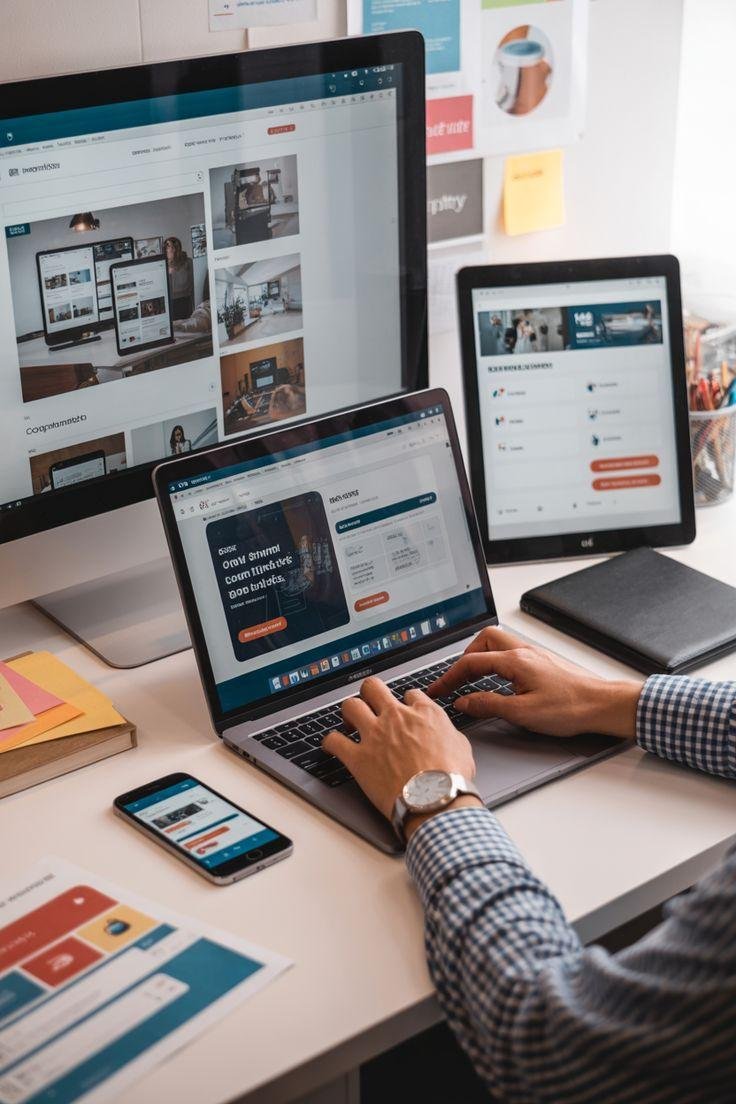
Making a free website in 2026 is easier than ever. You can start with Wix, Google Sites, WordPress.com or Carrd if you want a beginner-friendly visual experience, or use platforms such as Cloudflare Pages, Netlify and Vercel if you are comfortable working with website files and code.
The most important decision is not which platform has the longest feature list. It is choosing the platform that matches what you actually need.
If you are experimenting, start free.
If you are learning, start free.
If you are testing a business idea, start free.
But if your website becomes an important part of your business, consider upgrading your domain, hosting, design and functionality as your needs grow.
Your first website does not need to be perfect.
It needs to exist, communicate clearly, work on mobile and give visitors a reason to take the next step.
And once you have that foundation, you can keep improving it.
Yes. You can build and publish a basic website without paying for hosting or a domain by using platforms that provide free website plans or free hosting. The main trade-offs are usually platform subdomains, branding, feature restrictions or usage limits.
For beginners, a visual website builder such as Google Sites or Wix is one of the easiest approaches because you can create pages without writing code. Google Sites allows you to choose a template, add content and publish from its editor.
Yes. Website builders are specifically designed to let people create websites without writing HTML, CSS or JavaScript. You can use templates and visual editors to build the pages.
Yes, but a free plan may not provide the professional features you eventually need. For a serious business, a custom domain, professional email, reliable hosting and a polished design are usually worth considering.
Yes. Being free does not automatically prevent a website from appearing in Google. However, ranking depends on many factors, including content quality, relevance, technical SEO, competition, links, site structure and how well the website satisfies the searcher’s intent.
You need somewhere for your website to be hosted, but you do not necessarily need to purchase traditional hosting separately. Hosted website builders combine the builder and hosting into one service.
WordPress software itself is open-source, but WordPress.com is a hosted service with its own free and paid plans. The features available depend on the plan you choose.
It depends on the provider. Before using free hosting, check its limits, terms, security features, uptime expectations and backup options. Never assume that “free” automatically means reliable enough for a business-critical website.
Use a free platform subdomain if you are experimenting or learning. If the website represents a business, buying a custom domain is usually the better long-term choice.
In many cases, yes. Website builders and hosting platforms commonly provide paid plans that add features such as custom domains, additional storage, ecommerce, analytics or increased usage limits. Check the platform’s current terms before choosing one.